


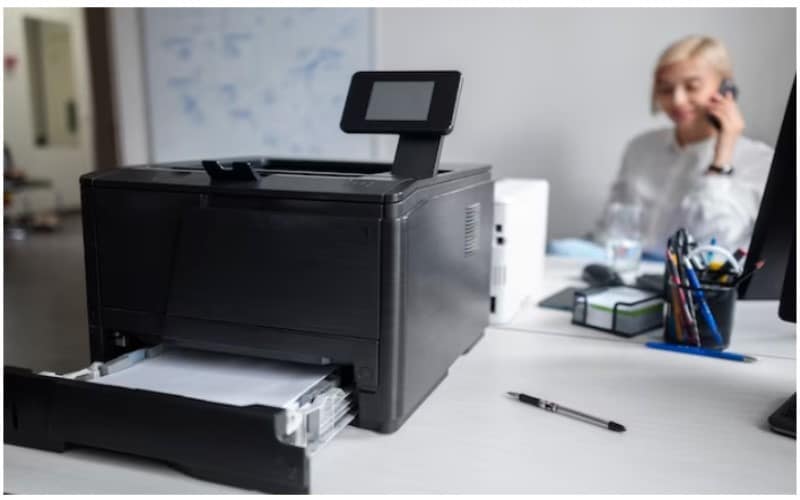
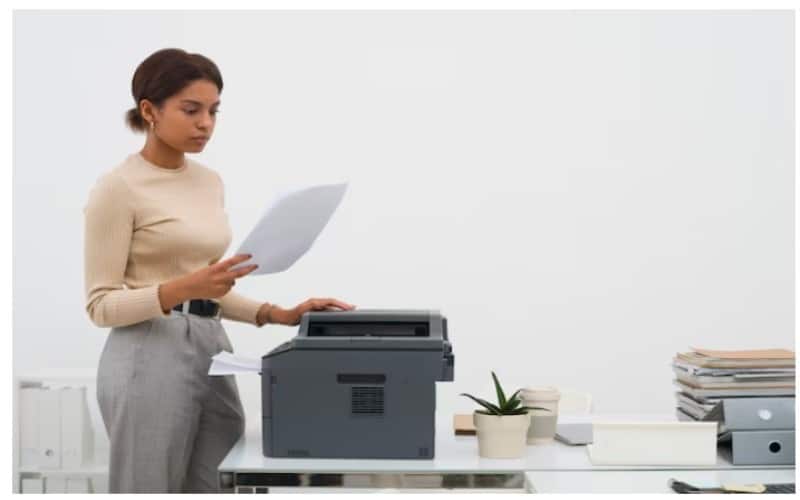
Selecting the right office printer is more than just picking a machine that can produce documents—it’s about finding a reliable tool that supports productivity, reduces costs, and meets the unique demands of your business. Whether you run a small home office or a large corporate environment, the right printer can streamline workflows and improve efficiency.
Printers for offices today come with a range of functionalities, from high-speed printing to advanced scanning and cloud integration. One of the top choices for businesses looking for reliable, efficient printing solutions is the Konica Minolta office printer, which offers robust features to meet the demands of a fast-paced work environment. Understanding your business’s printing habits, volume, and budget is key to making a smart investment.
Features to Look for in an Office Printer
When choosing an office printer, it’s important to go beyond the basics and focus on the features that will truly enhance your workplace’s efficiency.
- Print Speed and Volume
Speed matters, especially in a fast-paced office. Print speed, measured in pages per minute (PPM), directly affects how quickly tasks get done. Small offices might manage with printers offering 20-30 PPM, but larger teams should consider models with speeds upwards of 50 PPM. Additionally, check the monthly duty cycle—the number of pages a printer can handle each month without compromising performance. Ensure this aligns with your business’s printing demands.
- Print Quality
For offices producing client-facing materials, high print resolution is key. Resolution is measured in dots per inch (DPI); a printer with at least 1200 x 1200 DPI is ideal for sharp text and vivid images. Graphic design teams or marketing departments might benefit from even higher DPI levels for premium-quality prints.
- Multifunctionality
Modern offices often require more than just printing. Multifunction printers (MFPs) combine printing, scanning, copying, and sometimes faxing in a single device. These all-in-one models save space and money by consolidating essential office tasks into one machine, making them perfect for busy workspaces.
- Connectivity Options
Gone are the days of being tied down by cables. Look for printers with wireless capabilities like Wi-Fi, Bluetooth, and mobile printing apps. Cloud printing services such as Google Cloud Print and Apple AirPrint allow seamless printing from smartphones and remote devices—essential for flexible and hybrid work environments.
- Paper Handling
Efficient paper handling means less time refilling trays and more time being productive. Check the printer’s input capacity—small businesses may need a 250-sheet tray, while larger offices might prefer models with multiple trays for different paper types. Automatic document feeders (ADFs) are also invaluable for quickly scanning or copying multi-page documents.
- Running Costs and Energy Efficiency
A printer’s purchase price is just the start—ongoing costs like ink, toner, and energy use also matter. Opt for printers with high-yield cartridges or eco-tank systems to cut down on replacements. Energy Star-certified models consume less power, helping reduce electricity bills and support sustainable business practices.
Best Office Printers for Small Businesses
Small businesses need printers that balance affordability, performance, and functionality. Here are some top picks:
- HP OfficeJet Pro 9025: A compact inkjet MFP with wireless printing, fast speeds (up to 24 PPM), and a 35-page automatic document feeder—ideal for small teams.
- Canon Maxify GX6020: Known for its refillable ink tanks, this model offers cost-effective, high-yield printing with professional-quality results.
- Brother HL-L2390DW: A monochrome laser printer, perfect for small offices needing fast, reliable text printing with auto-duplex capabilities.
Best Office Printers for Large Businesses
Larger businesses require robust printers designed for high-volume output and seamless integration into office networks:
- HP LaserJet Enterprise MFP M528: A high-speed laser printer with 45 PPM, strong security features, and advanced cloud printing options.
- Epson WorkForce Pro WF-C878R: An inkjet printer that rivals laser models in speed and efficiency, offering low running costs with ink packs yielding up to 86,000 pages.
- Brother MFC-L8900CDW: A powerful colour laser MFP with fast print speeds (33 PPM), wireless connectivity, and a 70-page automatic document feeder.
Matching a Printer to Your Business Needs
Every business is unique, and choosing the best office printer requires aligning the machine’s capabilities with your daily operations. Small businesses may prefer versatile, cost-effective models like inkjet MFPs, while large organisations might invest in high-speed laser printers with network integration.
By assessing factors like print volume, connectivity, and running costs, you can find a printer that boosts productivity and reduces unnecessary expenses.
Conclusion
Investing in the right office printer is essential for maintaining smooth operations and maximising efficiency. Whether you run a small home office or a bustling corporate environment, there’s a printer designed to suit your needs. Carefully consider your business’s printing requirements, weigh the options between inkjet and laser models, and prioritise features that enhance workflow.
With the right printer, your office can enjoy seamless document management, cost savings, and improved productivity—allowing you to focus on what matters most: growing your business.